What's included
Overview
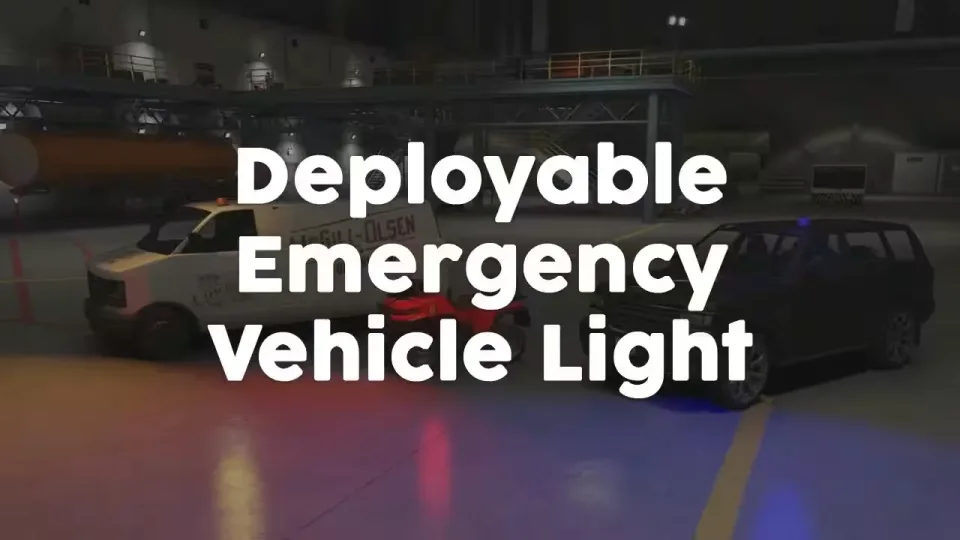
Deployable Emergency Vehicle Light
Undercover police, a paramedic in a civilian car, road workers on a callout: use the item or command in any vehicle and a blue, red or orange emergency light lands on the roof, visible to everyone around. The script finds a suitable roof position on its own, so you are not sitting in a config file mapping coordinates for every vehicle on your server.
Features
- Standalone: runs without any dependencies. You only need an inventory script (ESX, QB, ox and others) if you want to deploy the light through a usable item.
- Unencrypted props: the light props ship with the files, open and editable.
- Automatic placement: works on any vehicle with a roof out of the box, no per-vehicle light positions to configure (blacklisting specific vehicles is supported).
- Manual overrides: vehicles without a roof can be given a manually configured light position.
- Per-vehicle colors: assign blue, red or orange to specific vehicles, or use a separate item for each color so the deployed light matches the item used.
- Blink or rotate: the light can blink instead of rotating.
- Optional siren: a toggleable siren can be enabled while the light is deployed, and custom sirens are supported.
- Deep config: light properties, animations, vehicle configurations, sirens and more are all configurable.
- Synced and optimized: fully synchronized between players, and only nearby vehicle lights are rendered, so it stays smooth with multiple lights deployed at once.
Performance
Idle: 0.00ms. Active on 1 vehicle: 0.07ms. Active on 10 close-by vehicles: 0.13ms.
How it works
- Deploy the light: use the item or command while driving any vehicle that is not blacklisted in the config.
- Placement: a default light configuration automatically finds a suitable roof position. Specific vehicles can still be configured individually with their own place animation, light color, light position, sirens and more.
- Toggle the siren: with the light deployed, press L-SHIFT to run the siren (rebindable, can be disabled).
- Remove the light: use the command or L-CTRL (also configurable).
Specifications
Add this line to your server.cfg once the download is uploaded to resources/ (replace the folder name if yours differs):
ensure deployable-emergency-roof-light
Frequently asked
How is Deployable Emergency Roof Light delivered?
Instantly by email after checkout - a download link lands in your inbox the moment payment clears. No manual approval, no waiting on a ticket.
Is it compatible with esx, qbcore, qbox?
Deployable Emergency Roof Light is built for esx, qbcore, qbox. Check the specifications below for the exact dependency list.
Do I get future updates?
Yes. Updates are included at no extra cost. New versions appear in the same download area you were originally emailed.
Can I customize the config?
Most behaviour is exposed as config options inside the resource - prices, permissions, locations and pacing can be tuned without touching the core files.