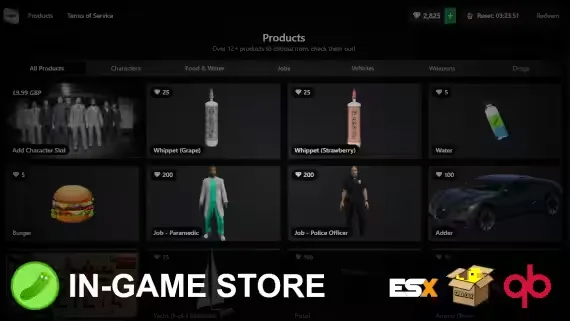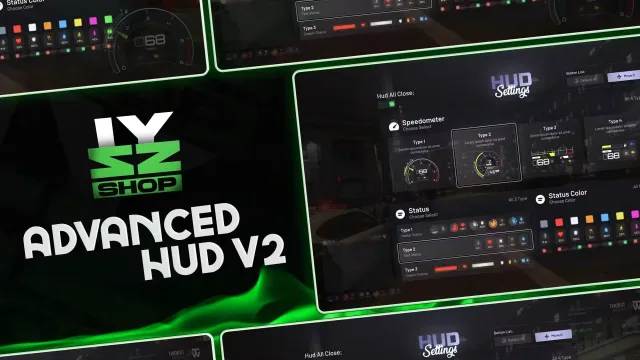
What's included
Frequently bought together

Overview
What is this?
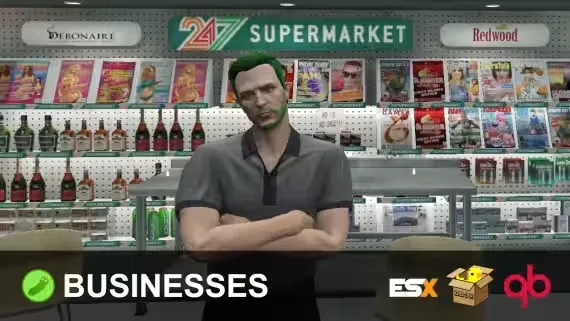
A resource for creating businesses in-game that your players can own, manage and run across your server. The main difference from competing business scripts is a fully integrated player economy. Your businesses become more than a simple spot to purchase something, and the feature list below shows why.
Features
- In-game creation: businesses are player ownable and rentable, built fully in-game.
- Persistent locations: both stores and placed markets survive restarts.
- Placeable markets: run a vending business instead of setting up at a fixed location.
- Metadata item selling: sell unique and used items. This also prevents the infamous repair glitch found in other business resources.
- Trade listings: listed uniquely per business by the owner or roles the owner permits.
- Employee and role framework: create your own ranks and permissions inside each business.
- Zone types: determine what is craftable and purchasable via the supply stores configured per zone.
- Supplies store: stocks different items per zone type, restrictable to specific zone types.
- Furniture: placeable by admins and owners per business.
- Storage: keep items and parts safe.
- Crafting: different item opportunities depending on the business zone.
- Sales data: check daily and recent sales through the management menu.
- Currencies: accept dirty money for transactions based on the zone's settings.
Requirements
- ESX (1.1+), QBox or QB. You can also code your own bridge for another framework, the bridge is fully accessible.
- ox_lib (required, works anywhere).
Metadata Support
Metadata reading and saving works with:
- Ox Inventory
- Quasar Inventory
- Any inventory using QBCore's inventory functions (lj-inventory and qb-inventory, for example).
Installation
- Install the SQL and items from the INSTALL folder.
ensure pickle_businesses- Select a target option in the config if your server uses a target resource.
- Restart the server.
Specifications
Add this line to your server.cfg once the download is uploaded to resources/ (replace the folder name if yours differs):
ensure player-owned-businesses-trading-system
Frequently asked
How is Player-Owned Businesses With Trading System delivered?
Instantly by email after checkout - a download link lands in your inbox the moment payment clears. No manual approval, no waiting on a ticket.
Is it compatible with esx, qbcore, qbox?
Player-Owned Businesses With Trading System is built for esx, qbcore, qbox. Check the specifications below for the exact dependency list.
Do I get future updates?
Yes. Updates are included at no extra cost. New versions appear in the same download area you were originally emailed.
Can I customize the config?
Most behaviour is exposed as config options inside the resource - prices, permissions, locations and pacing can be tuned without touching the core files.