What's included
Overview
RCore Television
Take a break from the grind and watch TV shows or movies in game, with friends or alone. Everything runs through the server, so playback and time stay in sync for everyone watching the same screen.
Playback
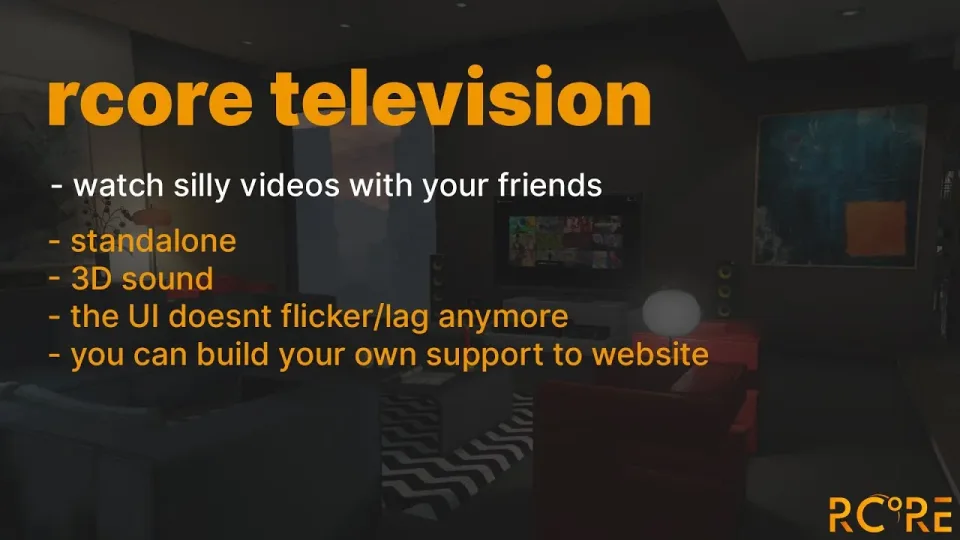
- Plays any direct URL, livestream or radio stream
- 3D sound
- Playback time synced with other players
- Optional default playlist per TV
Config
- Set the default volume for players
- Rename every command label
- Change the distance per TV, which is how you turn one into a cinema
- Whitelist or blacklist URLs
- Add custom support for a website straight in the config
- Add new TVs in the config
- Lock a TV model to a certain job only
Works on any framework.
Specifications
Add this line to your server.cfg once the download is uploaded to resources/ (replace the folder name if yours differs):
ensure server-synced-tv-script
Frequently asked
How is RCore Server-Synced Television delivered?
Instantly by email after checkout - a download link lands in your inbox the moment payment clears. No manual approval, no waiting on a ticket.
Is it compatible with esx, qbcore, qbox?
RCore Server-Synced Television is built for esx, qbcore, qbox. Check the specifications below for the exact dependency list.
Do I get future updates?
Yes. Updates are included at no extra cost. New versions appear in the same download area you were originally emailed.
Can I customize the config?
Most behaviour is exposed as config options inside the resource - prices, permissions, locations and pacing can be tuned without touching the core files.