What's included
Overview
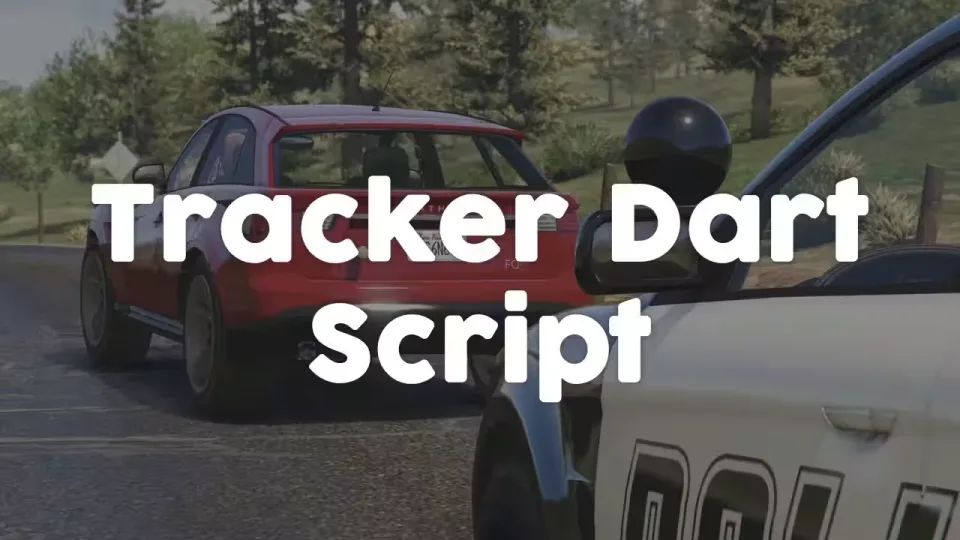
Police Tracker Darts
Tracker darts for law enforcement pursuits. An officer fires a dart at a fleeing vehicle and follows its blip in real time, with everything from the fire keybind to the blip appearance set in the config. Usage is locked to jobs like police and sheriff, so it stays a department tool rather than a free-for-all.
How a Pursuit Plays Out
- Install the tracker system: use the required inventory item to fit a tracking system to an authorized vehicle, if you enable that requirement.
- Open the overlay: toggle the interactive tracking overlay with its assigned key.
- Shoot the dart: press the configured key to fire a tracker dart at the target vehicle.
- Respect the limits: each vehicle carries a set number of darts, so tracking stays balanced.
- Remove the dart: walk up to a tagged vehicle and pull the dart off when it is no longer needed.
Features
- Dart deployment: fire a tracker dart at a vehicle using a configurable keybind.
- Single dart mode: only one dart can be active at a time; deploying a new one automatically destroys the old one.
- Overlay interface: interactive tracking overlay opened with a configurable key.
- Job restrictions: limit dart usage to specific jobs such as police and sheriff.
- Tracker installation: optionally require players to install a tracking system, via an inventory item, before darts can be deployed.
- Vehicle restrictions: tracker system installation can be limited to specific authorized vehicles.
- Dart capacity: set how many darts each vehicle can carry.
- Self-destruct: darts remove themselves after a configurable duration.
- Blip system: customizable vehicle blips.
- Performance: efficient script with minimal resource consumption.
Every part of the system is configurable, from dart behavior and capacity through to blip customization, so you can tune it to how your department actually runs pursuits.
Specifications
Add this line to your server.cfg once the download is uploaded to resources/ (replace the folder name if yours differs):
ensure police-tracker-dart-script
Frequently asked
How is Police Tracker Darts delivered?
Instantly by email after checkout - a download link lands in your inbox the moment payment clears. No manual approval, no waiting on a ticket.
Is it compatible with esx, qbcore, qbox?
Police Tracker Darts is built for esx, qbcore, qbox. Check the specifications below for the exact dependency list.
Do I get future updates?
Yes. Updates are included at no extra cost. New versions appear in the same download area you were originally emailed.
Can I customize the config?
Most behaviour is exposed as config options inside the resource - prices, permissions, locations and pacing can be tuned without touching the core files.